
How to Make Instagram Highlight Covers without Annoying Everyone and Yourself

Using your Instagram highlights is a great way to give your followers a quick look into the most significant pieces of your business. It’s also one more way to brand your business online. There’s a simple and free way to create highlight covers that match your brand look and feel.

Oh, and you don’t have to post your covers in your story and annoy your followers with your “OMG, I’m sorry. Tap through the next slides I’m changing my covers lol.” You’re welcome.

Canva is a great app for creating covers with very little graphic design experience. Even those with graphics experience will find this is a pretty handy tool for on the go creating! You can create a free account by downloading the Canva app or visiting Canva.com

Choose “Instagram Story” in the “Create New Design” section
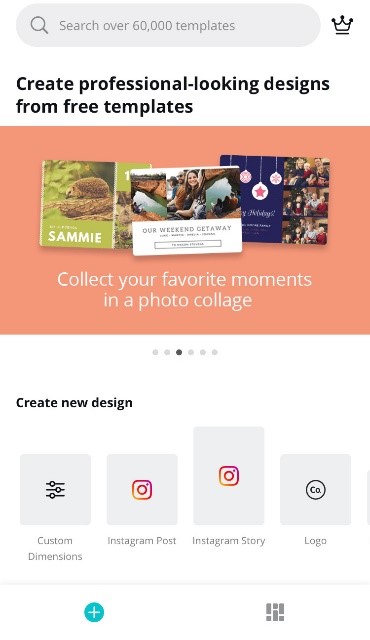
Canva app design options library

Here you can choose from already existing templates or a blank story (It’s probably best to choose a blank template as there aren’t currently options geared towards Highlight covers)
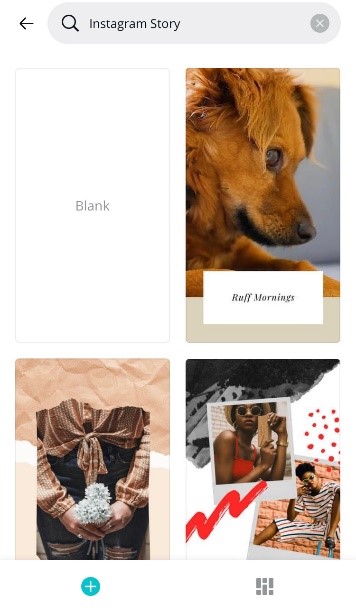
Canva app Instagram story templates

Once you’ve chosen your template, you can use existing colors for the background, or use your brand color code to set the background

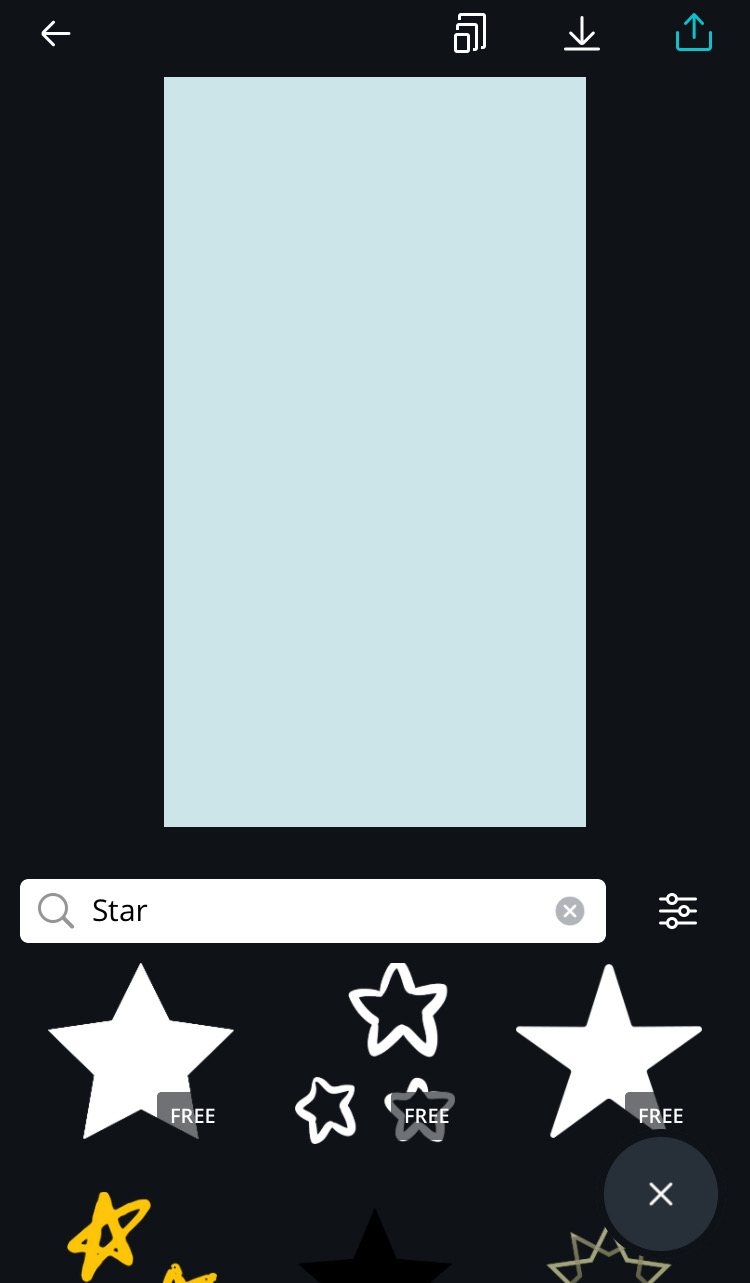
Next, use the “Shapes” or “Illustrations” section to explore icons available through Canva. You can also choose “Logos” to upload your own graphics, or ones you’ve downloaded from another source
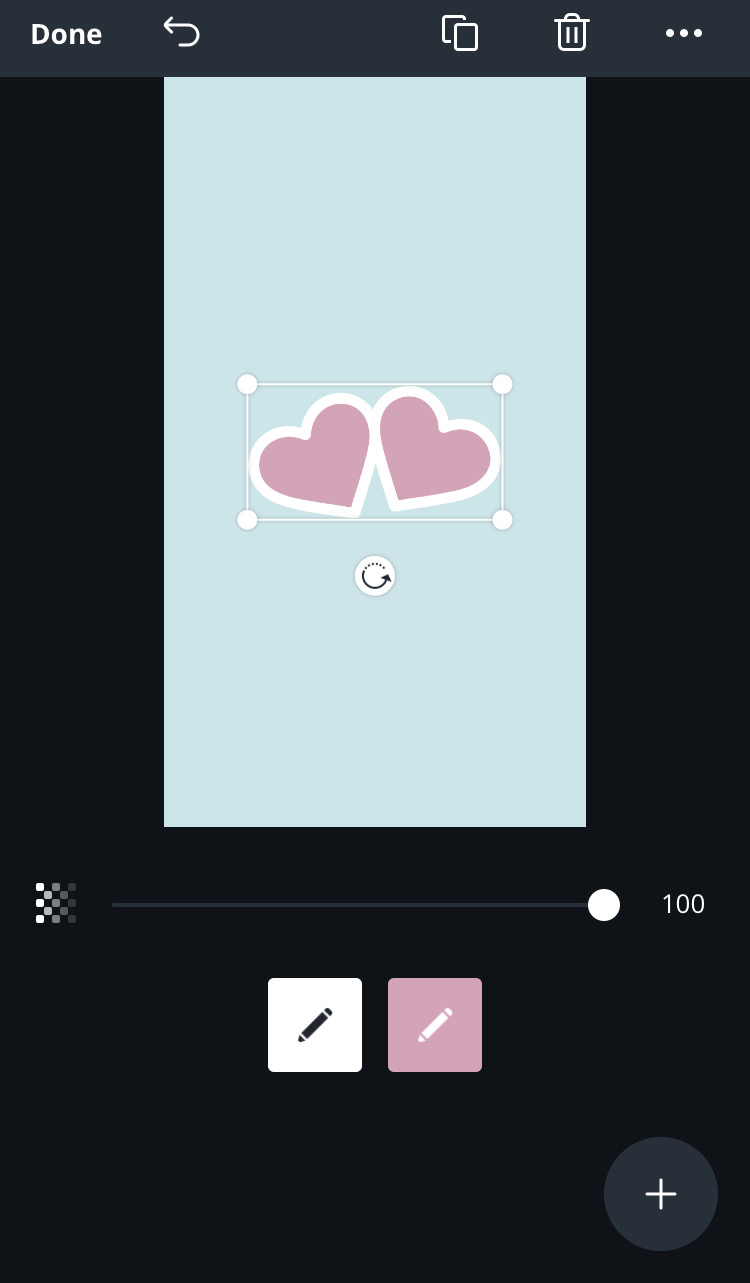
You can change the colors of elements of the illustrations to match your brand, or to stand out better on your page.
You can also layer text over any graphics that you choose. There are many existing fonts in the Canva library, so choosing one that resonates with your brand should not be too difficult
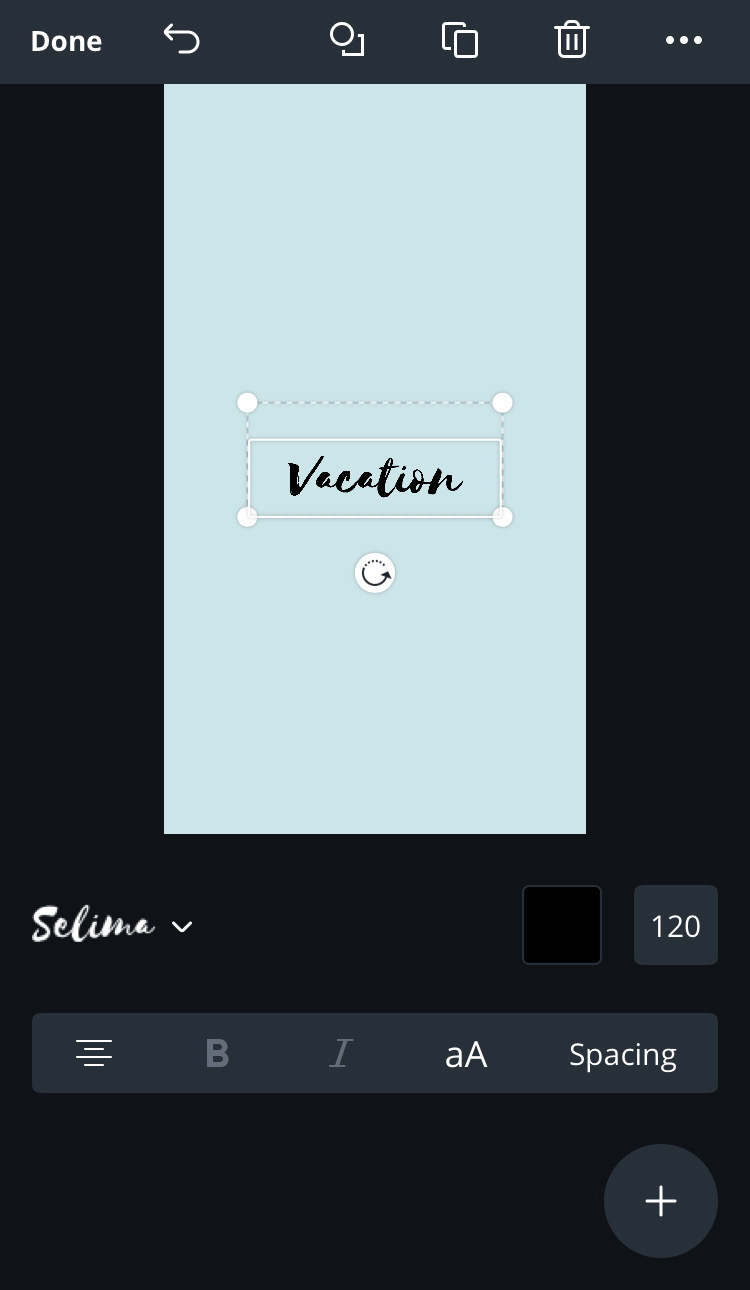
Align the icon (and text), ensure it is the color you want and click “Done” to save.

Now, log into your Instagram and go to your profile. If you already have highlights saved, click on one to open the highlight

Tap the right bottom corner with “…” and choose “Edit Highlight”
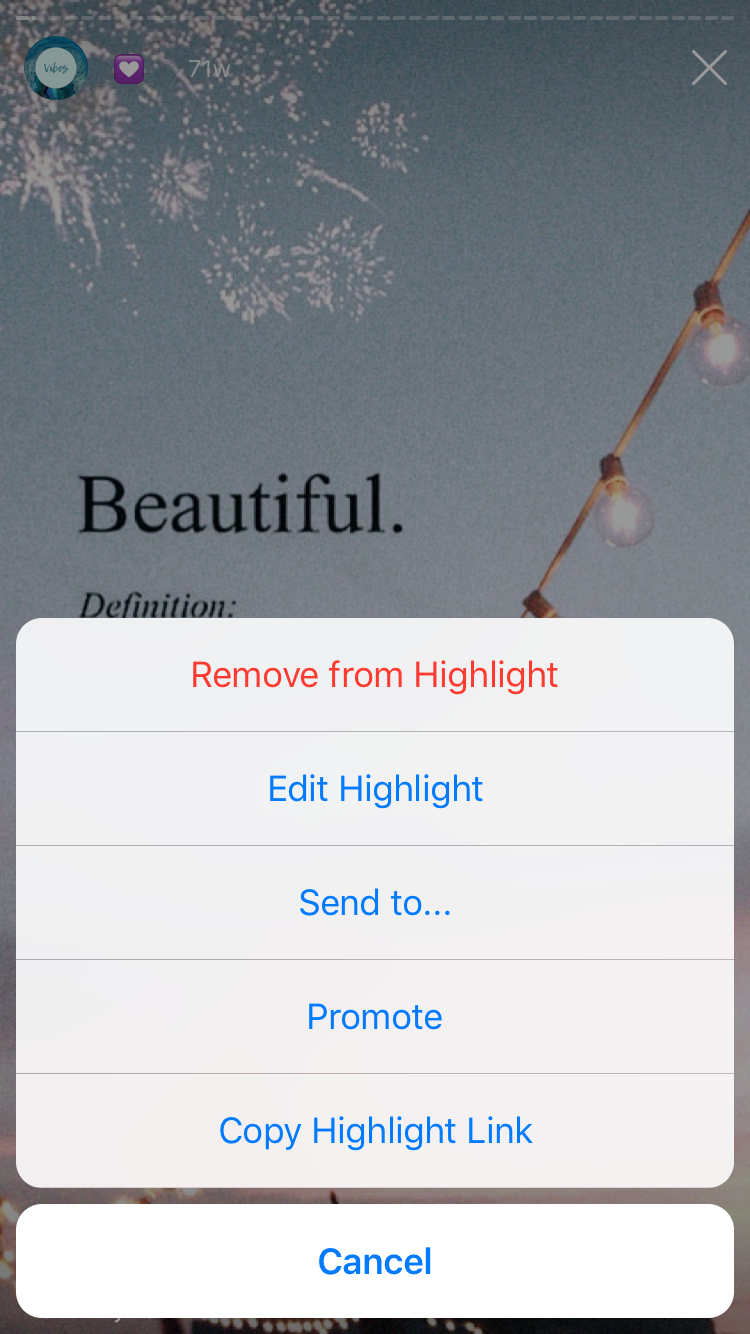
editing Instagram highlight

This will bring you to the highlight contents and at the top is the current cover, and below it “Edit Cover”
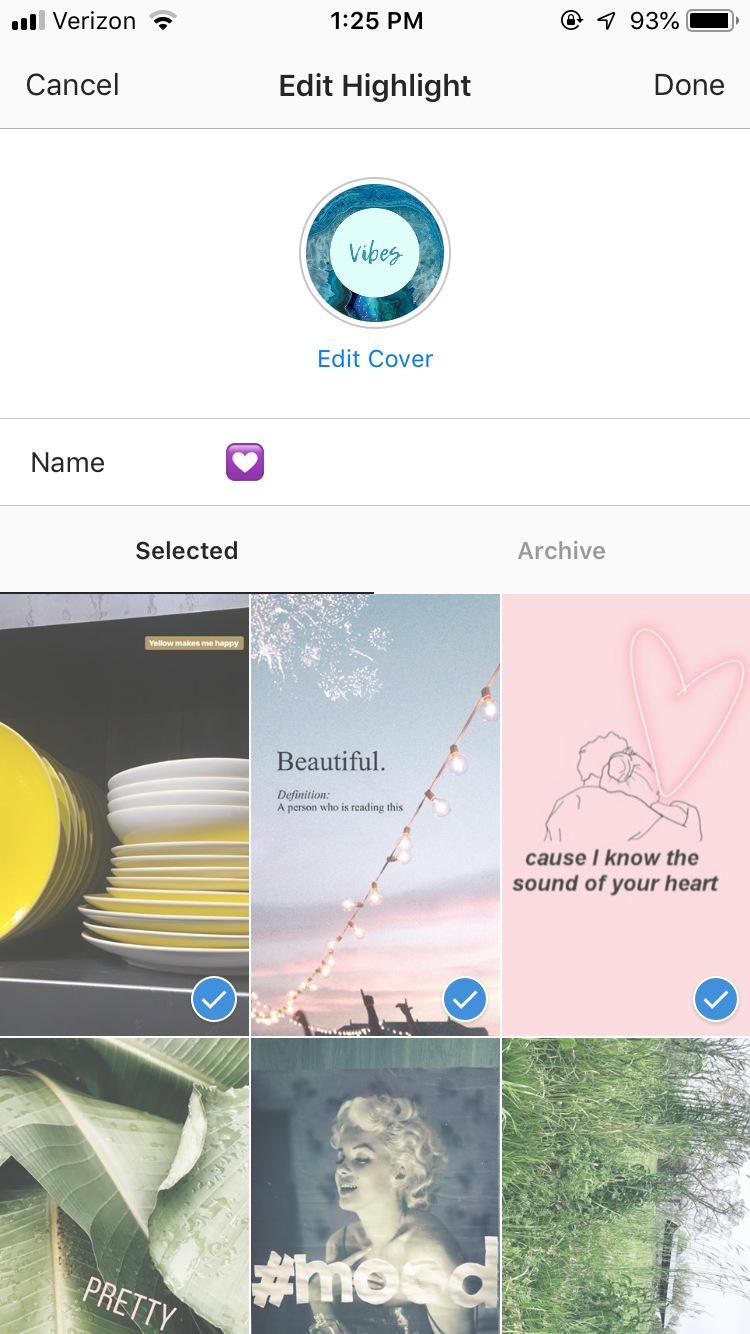
edit cover Instagram highlights

You never have to be that person who says “Sorry for posting to stories with all these graphics, just updating my highlight covers” because you can upload any image right to the cover. Click the black and white image icon to open your camera roll on your phone. Choose your saved Canva story from those images.
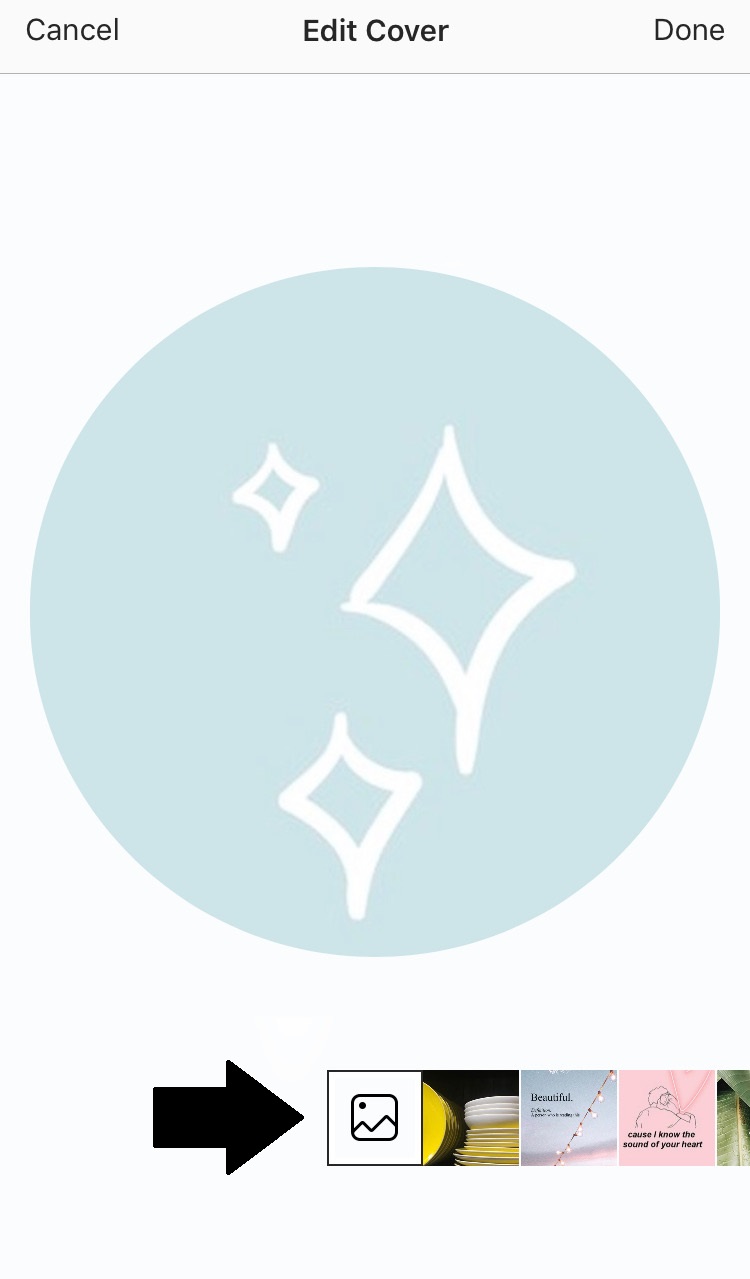
Repeat with all corresponding cover art and admire your fully branded profile!

Checklist for Relocating Your Business

Often, there comes a time when you need to relocate or move your existing location.

In the midst of what can be a very hectic time, we’ve created a checklist to take some of the stress off of your plate.

Is there anything else you encountered when moving your business?
  1. Update business insurance address
  2. Update business address with your banking institution
  3. If able, relocate your original security cameras. If not, install new cameras
  4. Create or relocate an existing account with on-premise security monitoring
  5. Transfer phone number and phone services to maintain continuity for client’s getting in contact with you
  6. Transfer internet provider
  7. Transfer power and other utilities
  8. Update your location on brand website
  9. Update Google, Bing, etc. location address
  10. Update the Better Business Bureau address, if applicable
  11. Update your Yelp and other local search engine addresses
  12. Update business address with the state, city and/or county
  13. Update address with tax agency
  14. Submit change of address form 8822 to the IRS
  15. Update your social media address
  16. Update ‘Ship From’ with your logistics partners/shippers
  17. Schedule shipper pickups at new location and cancel pickups from previous location
  18. Update any and all signage
  19. Update your business cards
  20. If applicable, meet with mall or office management, ensure your business is listed within their systems/website/signage and partner on ways to highlight your new location

5 Quick Tips for Hiring the Right Candidate for You

Finding the right people for your team is no easy feat. Sifting through resumes and applications, while you’re struggling to keep your head above water. Before you choose the wrong person, or just freeze from stress, read these tips on hiring a stellar team.

Figure out what you ACTUALLY need

It’s easy to realize you need help, but it’s not always easy to determine how much help you need. The worst mistake you can make is bringing someone on full time when you really need a part-timer or bringing on a team of 4 when you can do it with 2. Personnel can be very expensive, and it hurts morale if you have to do layoffs a few months after hiring a team because you over-hired.

Take some time and write exactly what tasks and roles you need and how much time you spend per week doing those things, or how much time per week would be needed to complete the tasks with precision. Don’t be afraid to bring on a contractor for a few hours  a week at first. It’s always easier to add more hours to someone’s contract than to take them away.

Less is more

While it is important to choose the right candidate, don’t get lost in an endless cycle of interviewing, looking for the “best.” Screen your applications carefully, and develop a phone screening questionnaire to narrow down your candidates. Give yourself a timeline to choose the candidate. Interview a few very qualified candidates after your phone screens and trust your gut. This person is going to represent you, your brand and your vision. Make sure you see a future with them.

Ask the (right) questions

Many small business owners get caught up in explaining their business, their vision and themselves. Yes, it’s super important for new hires to “get” it. And yes, you’re excited about your brand and want this person to buy into your vision. But don’t spend the interview talking about you. You need to know about the candidate-and how they will succeed in the tasks you have for them and how they will work with you. Also, while you might be tempted to hire the candidate most like you, think about the business-choose the candidate that can fill in the holes for you, someone who has different strengths than you.

Get moving

Don’t stay stuck behind a desk or in a conference room. Show the candidate around your workspace, small or large as it may be. Introduce them to any of the other team members you have. It’s valuable to see how the candidate interacts with others and to see how genuinely interested they are in your work. Do they ask questions of the team, or about your shipping station and photography standards? If you don’t have a workspace or team to introduce the candidate to, pay attention to the way they treat the barista at the coffee shop, or conduct one of your meetings over lunch. Can they keep a conversation going, are they timid or confident speaking to others and navigating the restaurant? Not all hiring managers think of these unconventional ways to vet candidates.

Fire quickly

It will happen. You will hire someone who is not a fit for your team, for whatever reason. The moment you realize this, take action. Give the team member a chance to get back on track by addressing the issues, but be prepared for termination. Begin the interview process quickly for a replacement. Do not waste time for yourself or your team member by dragging it out any longer than necessary. It’s bad for morale and the bottom line.

What are some of the best pieces of advice you’ve gotten about hiring a team?